ShotGuide
Add to Chrome
Screenshots, without the busywork

Capture it.
Mark it.
Send it.

Full-page screenshots, fast annotations, PDF exports and encrypted share links — all in one extension. Local-first by default, no account required.

✓ 7-day Pro trial ✓ Local-first ✓ No account
shotguide.app/capture ●
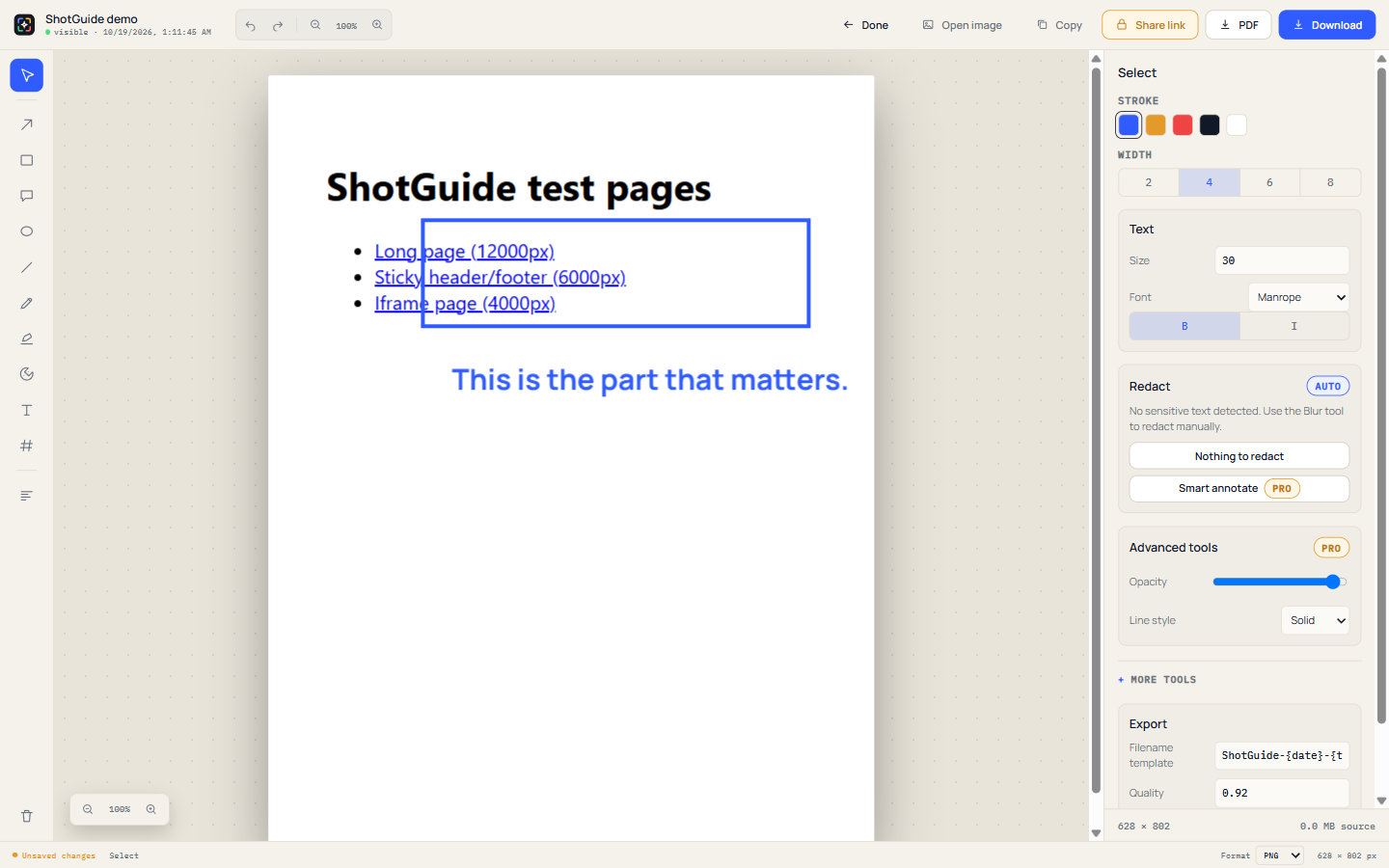
ShotGuide editor with a highlighted region and annotation
⌘
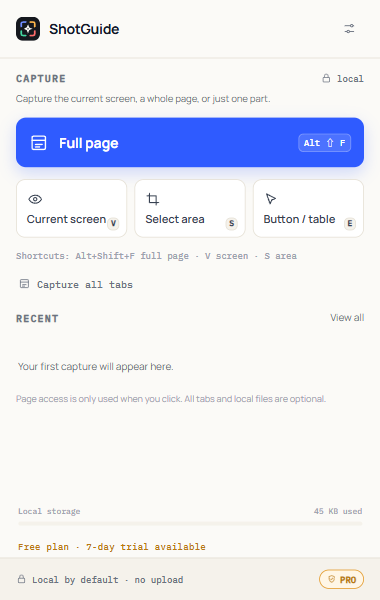
Full page14 tiles stitched
↗
Encrypted shareServer cannot read it
Local-first capture Minimal permissions PDF + 4K export Encrypted share links Works on Chrome
THE WHOLE LOOP

From “wait, let me screenshot this” to “sent”.

Capture is only the beginning. ShotGuide keeps the next four steps in the same window — no upload, no tab juggling, no account.

01

Full-page capture that respects the page.

Sticky headers, lazy images and long pages are handled without manual stitching. Up to 39,000 px tall, with a progress overlay you can stop.

  • Visible area, selection, or one element
  • All tabs and batch URLs
  • Chrome, file:// and local pages where allowed
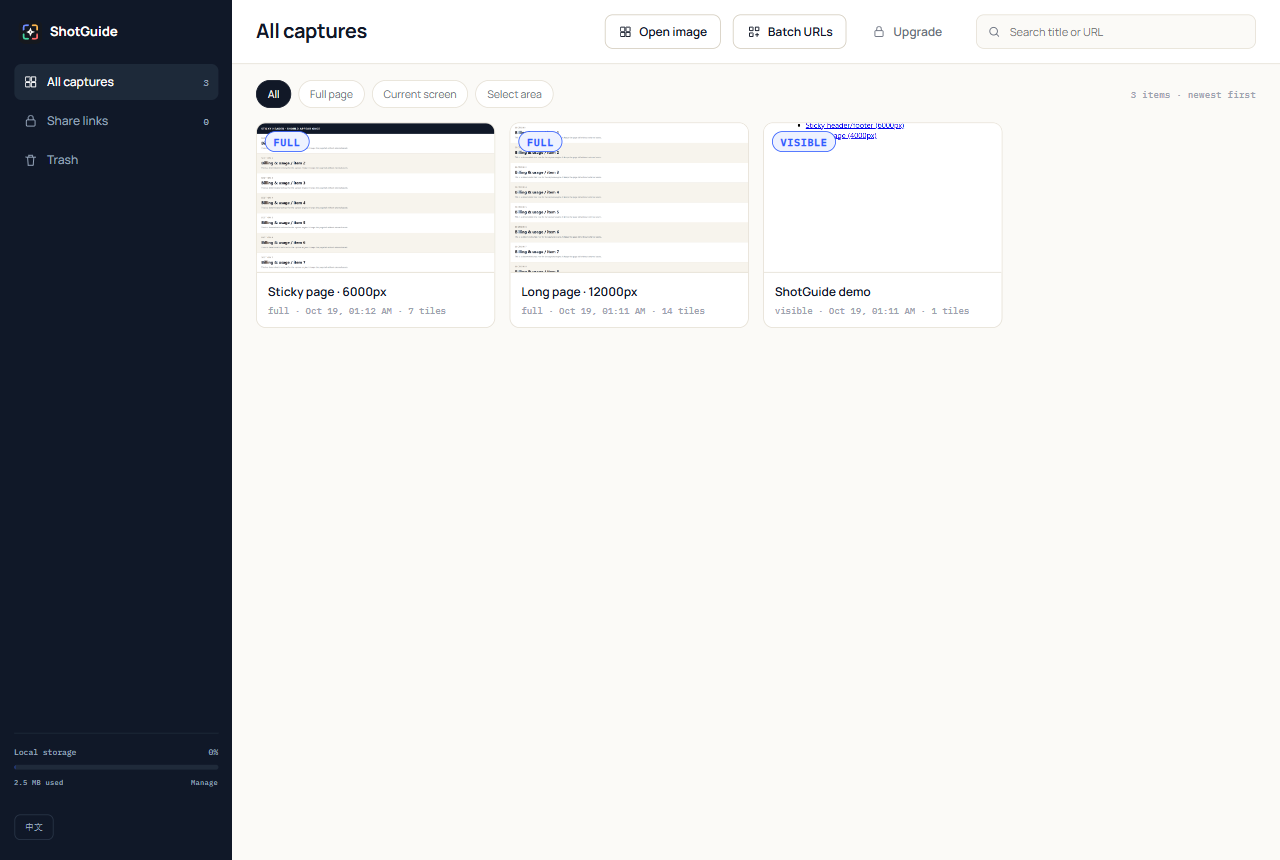
ShotGuide local library with captured pages
02

Annotate without opening a design tool.

Arrows, boxes, text, highlighters and blur are one shortcut away. Redact sensitive fields before anything leaves your machine.

Annotation tools in the ShotGuide editor
03

Export like you mean it.

Share-ready PNG, JPEG or WebP — or a PDF with clickable links, searchable text, smart page breaks and optional 4K output.

04

Share a link, not your inbox.

Share links are encrypted in your browser. The server stores ciphertext only; optional passwords and view limits are enforced. Revoke anytime.

AES-256-GCMPasswordView limitsRevoke
THREE STEPS

It should take less time than explaining the bug.

01

Press the shortcut.

Alt+Shift+F for the whole page, V for the current screen, S for a selection. Or just click the logo.

⌘ Alt+Shift+F
02

Mark what matters.

Arrow, box, text, blur. Keep the default clean, or open “More tools” for crop, filters and layers.

Arrow · Box · Text · Blur
03

Copy, download, share.

One click to clipboard or a file. If it needs a link, make an encrypted one with a password and expiry.

PNG · PDF · Link
PRICING

Free is useful. Pro is for people who do this daily.

No account, no cloud lock-in. Start with a 7-day Pro trial; cancel without a sales call.

Free
$0

Everything you need for a clean screenshot.

  • Full-page, visible and selection capture
  • Basic annotation + PDF
  • Local library
  • Encrypted share links
Add to Chrome Free forever · no card required
Pro7-day trial
$39 / year

For QA, docs, support and anyone who screenshots every day.

  • Smart PDF page breaks + clickable/searchable PDF
  • Smart annotation
  • Advanced annotation tools
  • 4K export
  • Automation and unlimited batch capture
Start Pro Secure checkout by Waffo · activate by email
PRIVACY, BY DESIGN

Your screenshots are not our business.

ShotGuide captures locally. Your screenshots stay in your browser unless you explicitly create a share link — and even then, the server only receives ciphertext.

Read the privacy policy
Local-firstNo upload on capture or export.
Minimal permissionsactiveTab + optional all-tabs/file access.
Encrypted linksAES-256-GCM; key stays in the URL.
No accountUse it without signing in.
FAQ

The short answers.

Do you upload my screenshots?

No. Capture and editing happen in your browser. Only a share link you explicitly create sends an encrypted payload to the share server.

Which pages can I capture?

Normal http/https pages, plus file:// pages if you enable file access. Chrome internal pages (chrome://) are blocked by Chrome itself.

What does Pro include?

Smart PDF pagination, clickable and searchable PDFs, smart annotation, advanced annotation tools, 4K export, automation and unlimited batch capture.

How does the trial work?

Start a 7-day Pro trial from the Upgrade page. No card is required to evaluate; your data and library stay local.

Can I revoke a share link?

Yes. Open the Share links page in your local library and revoke any link. The server returns 410 immediately; optional expiry and view limits still apply.

READY WHEN YOU ARE

Take the screenshot. Keep the context.

Add to Chrome — free